
Dice you can check.
Backgammon and long nardy against a strong computer or a friend on the same phone. The dice of every game are sealed before the first roll — after the game you get the key and check every roll yourself.
For anyone who has ever suspected an app of rigging the dice — and for anyone who simply wants a good game.
Questions: support@kohone.net
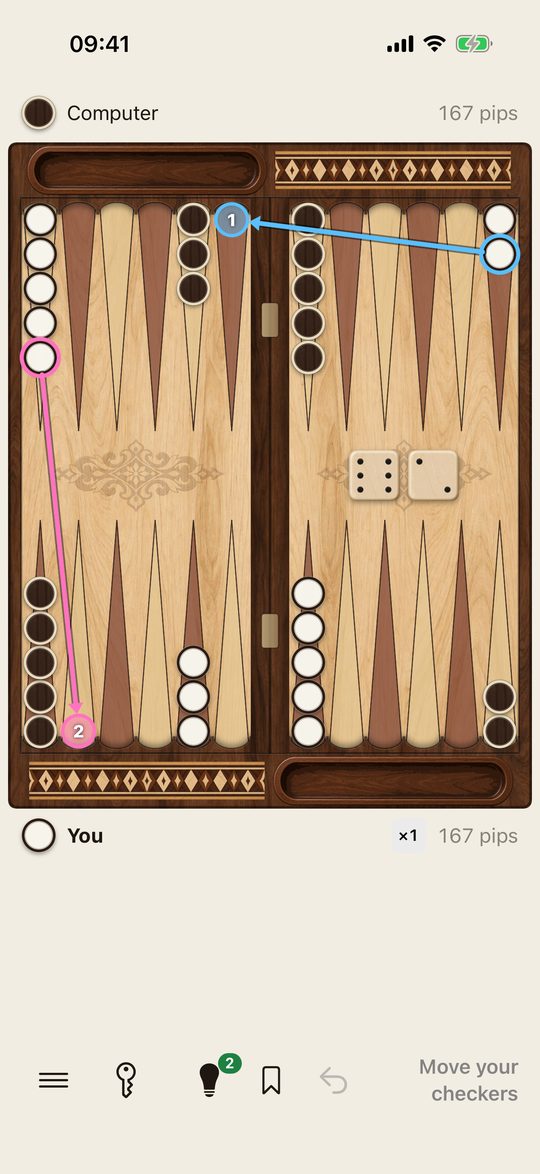
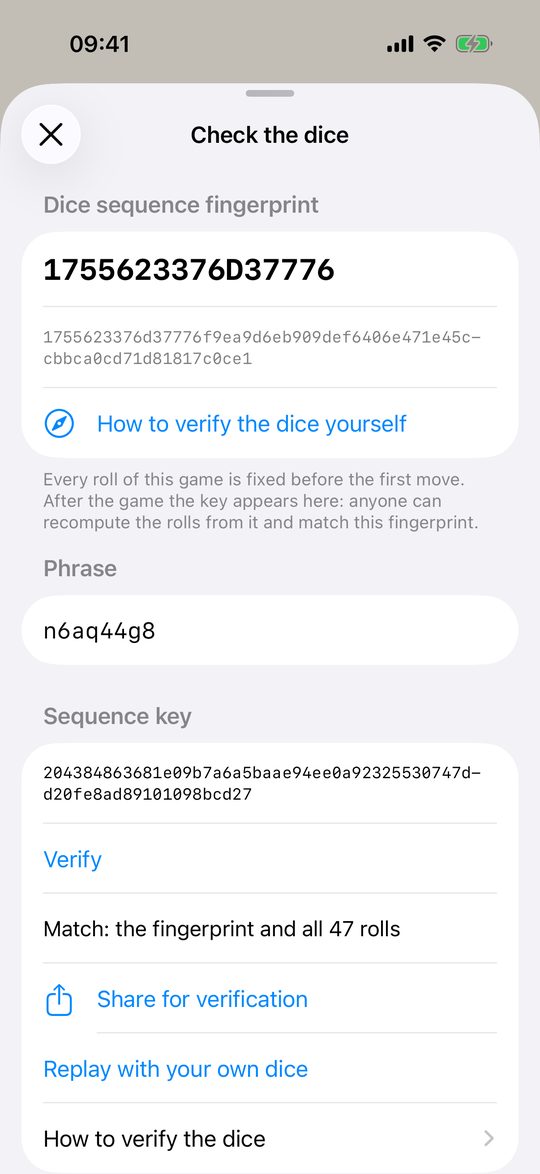
Sealed before the game. Opened after it.
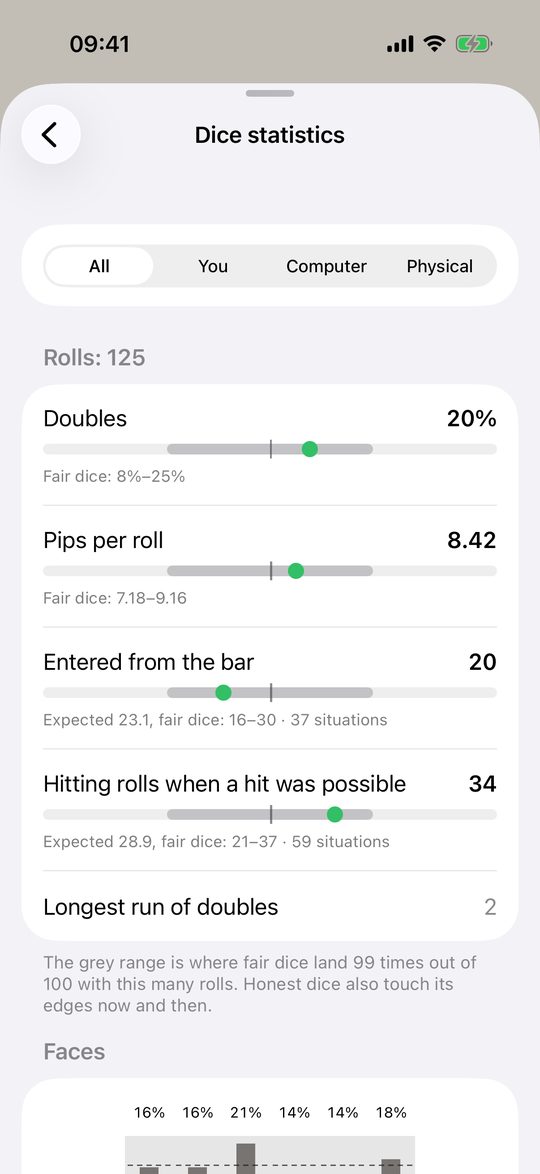
Before the first roll the app shows a fingerprint of the whole dice sequence. You can add your own phrase, so the app cannot pick a convenient sequence in advance. After the game it reveals the key: recompute every roll in the app, on this site, in Python or in CyberChef — without trusting us.
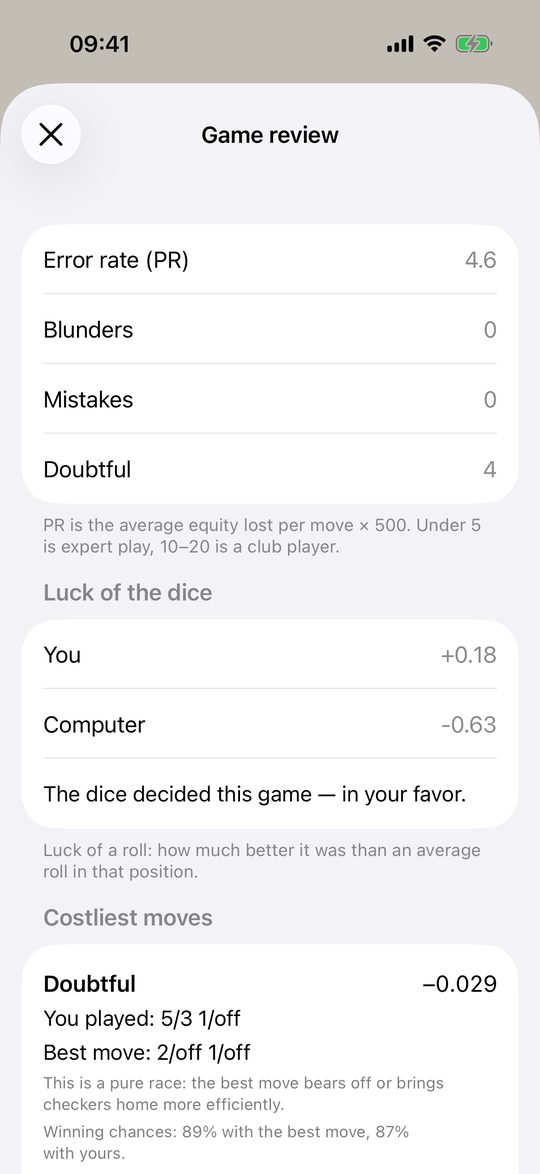
A computer that explains, not just wins.
Five levels from beginner to master, each calibrated by error rate. After a mistake the coach says what went wrong in plain words; after the game the review shows where it was decided.
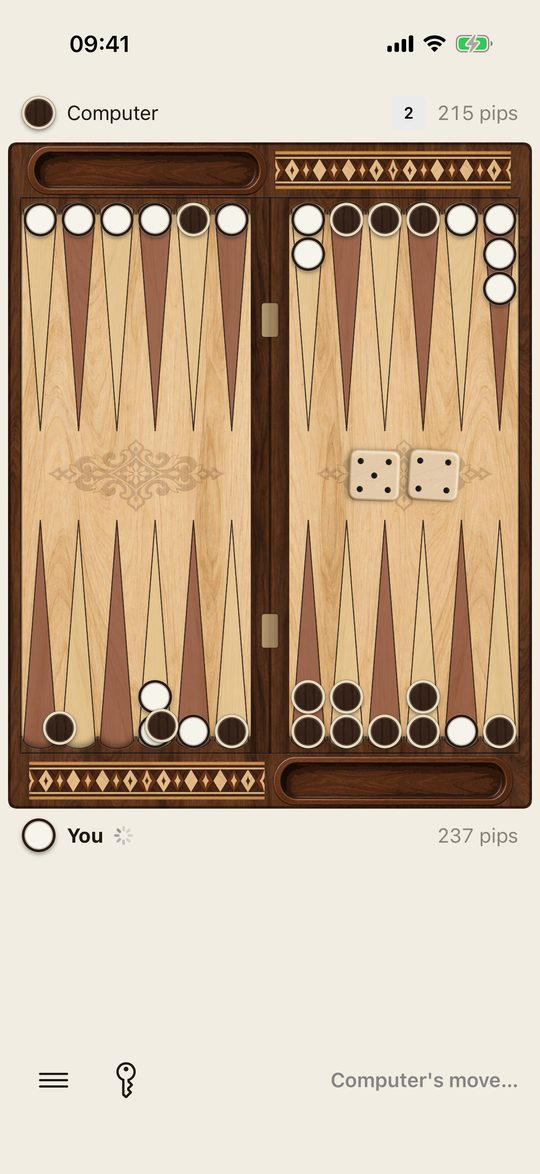
What it does
A quick game on the bus or a long match in the evening.
Two games, full rules
Backgammon with the doubling cube, Crawford and matches up to 11 points. Long nardy under standard tournament rules.
Against the computer or a friend
Five levels, or two players on one phone — the board can turn to whoever is on roll.
Learn as you play
Rules lessons on a live board, hints shown right on the board, a coach after mistakes.
Review and replay
Every game is saved. Review it move by move, or play any position again with the same dice.
Your own dice
Roll real dice and type the result. Replay a finished game with your own dice — the computer must play the same.
30 boards
Wood, stone, leather and regional styles, each with its own checkers and dice.
What it never does
- Never changes the dice — not for the computer, not for a level, not for a purchase.
- No coins, no boosts, nothing that buys a better roll.
- No ads during a game.
- No account and no sign-in.
The level changes only the computer's moves. The whole sequence of rolls is fixed before the game, and the key proves it afterwards.
Your games stay yours
There is no account to make and no server of ours to send anything to.
- Games, history, statistics and settings are stored on your iPhone.
- If you switch it on, a copy goes to your own iCloud so another iPhone can pick it up — we cannot see it.
- The free version shows ads from Google AdMob between games; iOS asks your permission before any tracking. Pro removes ads completely.
What it costs
Everything to play is free. Pro takes away the ads and the hint limit, never a feature.
Free
Both games, all five levels, matches and the cube, dice verification, statistics, review, lessons, 6 boards. 3 hints a day against the computer, plus 3 for an optional video. A short ad after every second game — none in your first games, never during one.
Pro · one-time
No ads and unlimited hints, forever. Bought once in the app through the App Store and restored on your other devices.
Boards
24 more boards, each sold separately in the app, with a preview before you buy.
Questions people ask first
Are the dice really random?
Yes, and you do not have to take our word for it. Every game's rolls come from a sealed sequence you can recompute after the game, and the same generator passed standard tests on 100 million rolls.
Does the computer see my next roll?
No. It chooses its move with the dice already on the board, like you. A replay with your own dice proves it: given the same rolls, it plays exactly the same moves.
Does a harder level get better dice?
No. The level changes only which moves the computer picks. The dice are the same sealed sequence whatever the level.
Is it free?
Yes — both games, all levels, verification, review and statistics. Pro is optional: no ads and unlimited hints.
Which rules does long nardy use?
Standard tournament rules: one checker from the head per turn (two on a first roll of 6-6, 4-4 or 3-3 for the second player), no six-point wall in front of all the opponent's checkers, mars counts 2 points.
Does it work offline?
Yes, everything works without the internet. Ads and the iCloud copy simply wait until you are online.
How do I move my games to a new iPhone?
Turn on Settings → Save progress to iCloud on both phones with the same Apple ID. Pro and boards are restored with Settings → Restore purchases.